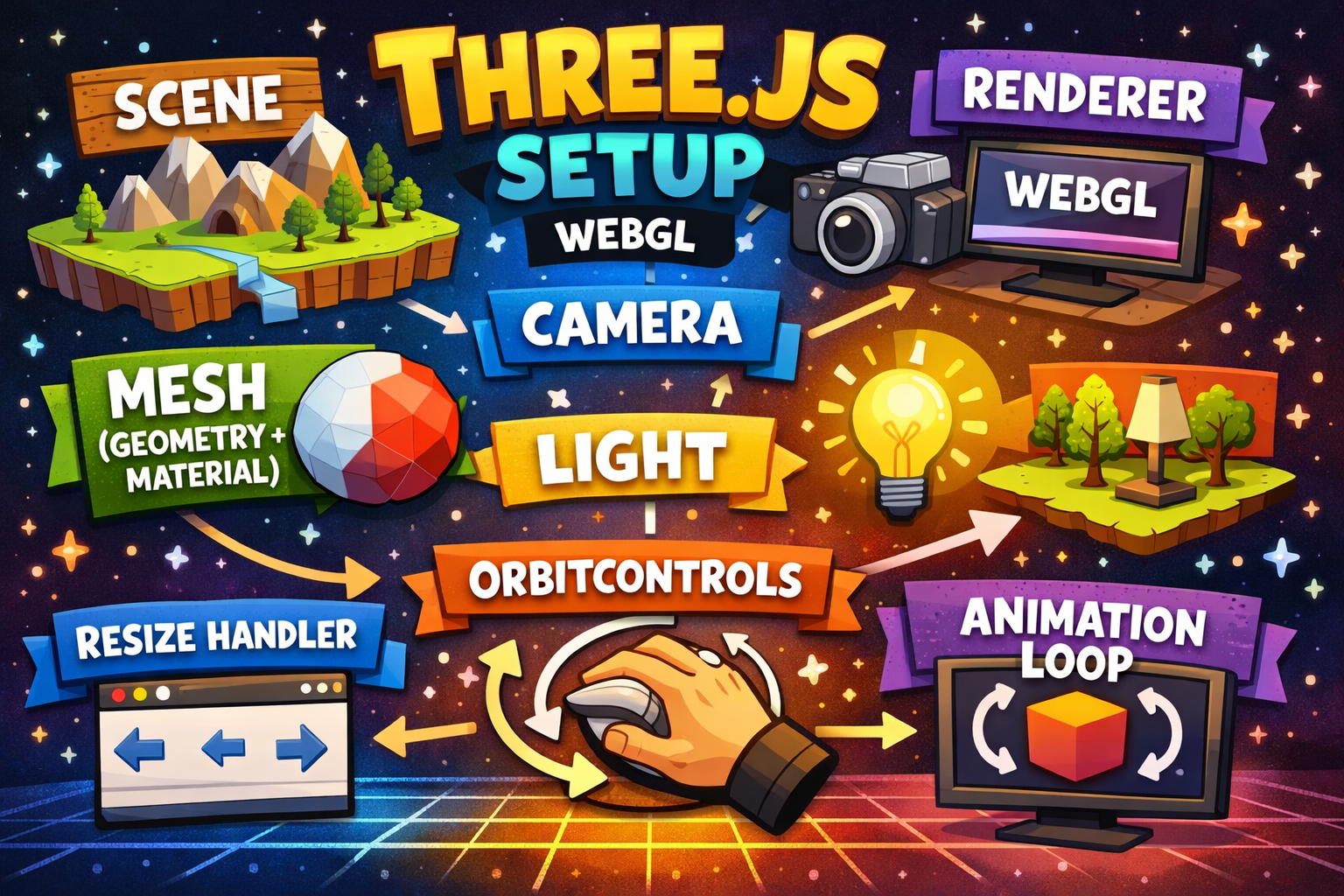
What is WebGL?
WebGL= It's basically a low-level graphics engine that runs inside the browser. It's a JavaScript API for rendering interactive 2D and 3D graphics within any compatible web browser without the use of plug-ins. So for example, you have a very nice website with lots of animation and graphics, behind the scene it's using webGL to render those graphics. But webGL itself very hard to write and complex. So that's why we use three.js.
What is three.js?
Three.js= A javascript library built on top of WebGl. It makes it easier to use WebGl.
Relationship between WebGl and Three.js?
your code -> three.js -> webgl (GPU drawing) -> screen
Setup
npx create-next-app@latest my-three-app
cd my-three-app
npm install three
Basic Three.js Components
- Scene
- Camera
- Renderer
- Mesh (Geometry + Material)
- Light
- OrbitControls
- Resize Handler
- Animation Loop
Scene
Scene is a container that holds all the objects, lights, and cameras in the 3D world.
Camera
Camera is used to view the 3D world. There are two types of cameras in three.js: PerspectiveCamera and OrthographicCamera.
Renderer
Renderer is used to render the 3D world to the screen.
Mesh
Mesh is a combination of geometry and material. Geometry is the shape of the object and material is the appearance of the object.
Light
Light is used to illuminate the 3D world.
OrbitControls
OrbitControls is used to control the camera.
Resize Handler
Resize Handler is used to handle the resize event.
Animation Loop
Animation Loop is used to animate the 3D world.
In the next we will render a cube in the screen