When you use an app like Uber, Foodpanda, or Weather.com, how does your phone ask a server far away for data, and how does the server give it back? They use a REST API!
Before writing complex server code, you need to understand how client-server communication works, using a simple real-life analogy: ordering food at a restaurant.
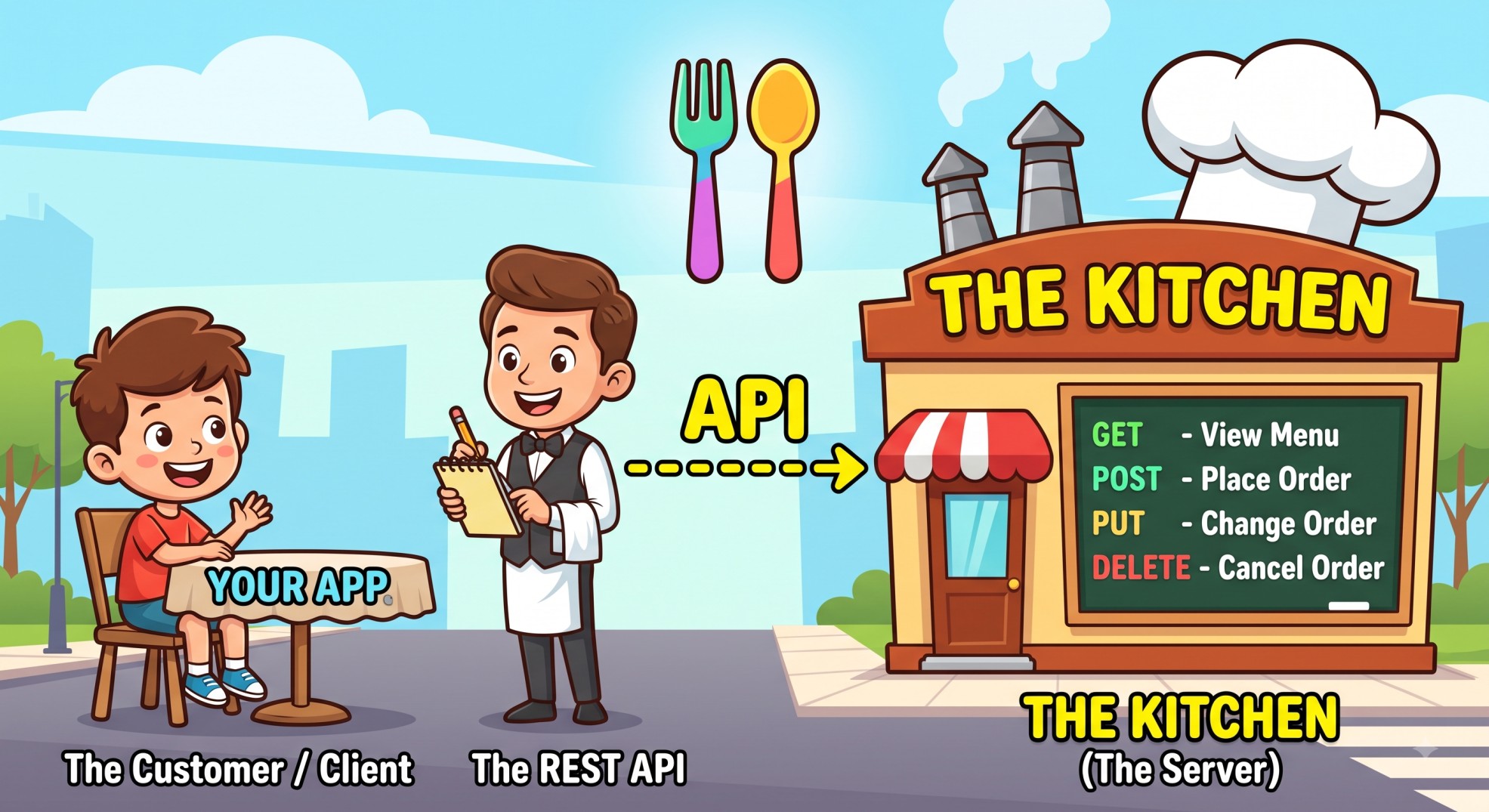
Keywords
- API: Application Programming Interface (The Waiter)
- REST: Representational State Transfer (The Standard Menu Rules)
- Client: The Customer (Your Phone / Web Browser)
- Server: The Kitchen (Where data/food is stored & prepared)
- Endpoint: Specific items on the menu (e.g.,
/menu,/orders,/users)
Character Mapping
- Client (Your App): The hungry customer sitting at a table.
- REST API: The helpful waiter who carries your order to the kitchen and brings back your food.
- Server (Database): The kitchen and chef holding all the ingredients (data).
- HTTP Methods (GET, POST, PUT, DELETE): How you talk to the waiter.
1. The HTTP Verbs: Ordering From the Menu
When you sit at a restaurant, you don't just point and yell at the kitchen. You use specific requests with your waiter.
GET: "Can I see the menu?" (Read Data)
Real-life: You ask the waiter to bring you the ice cream menu. You aren't changing anything in the kitchen; you just want to view information.
In tech: GET /users/123 retrieves profile details for User #123.
POST: "I want to place a new order for a burger!" (Create Data)
Real-life: You give the waiter a brand-new order. The kitchen creates a new burger that didn't exist before.
In tech: POST /orders creates a new order in the database.
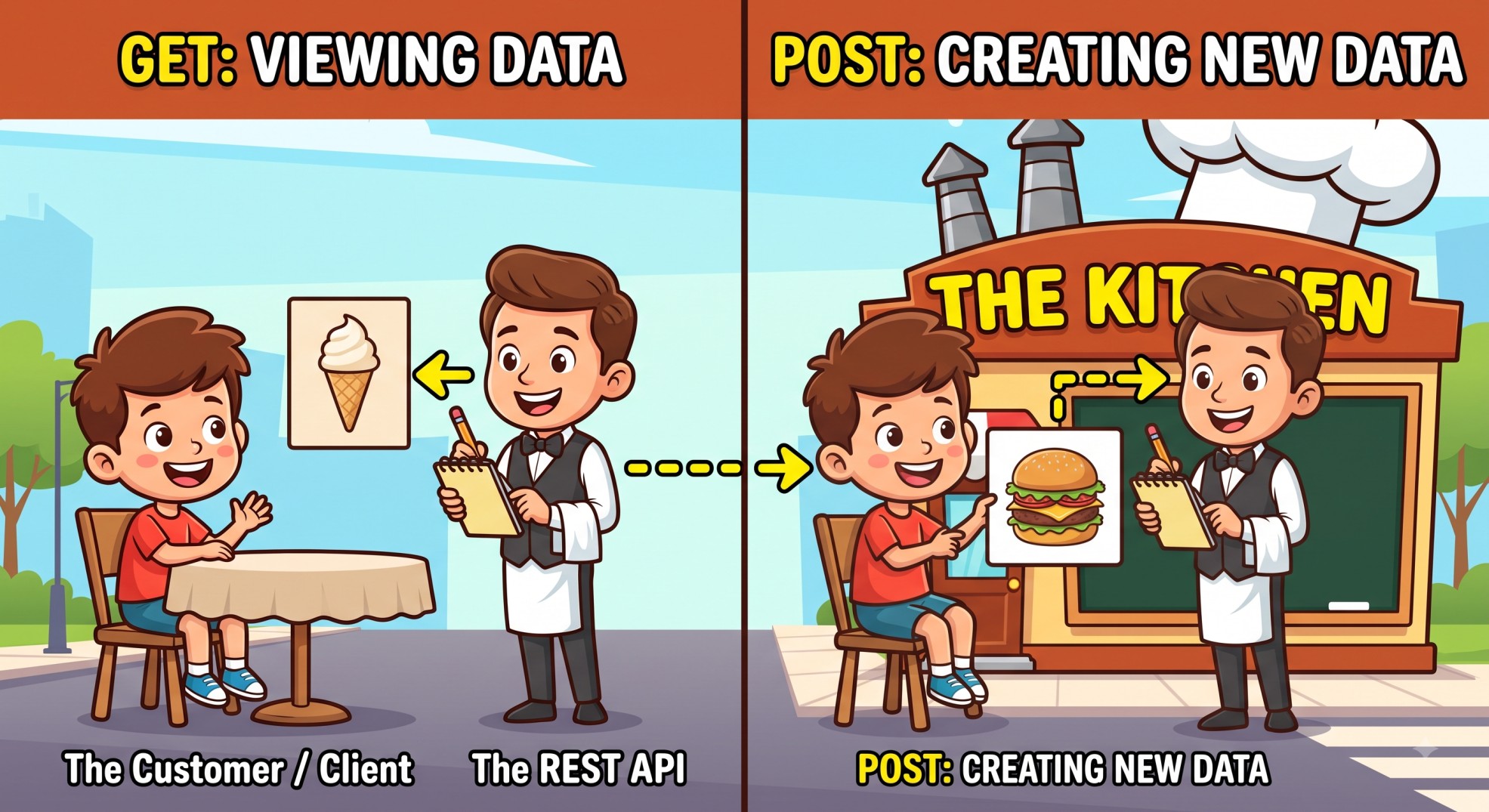
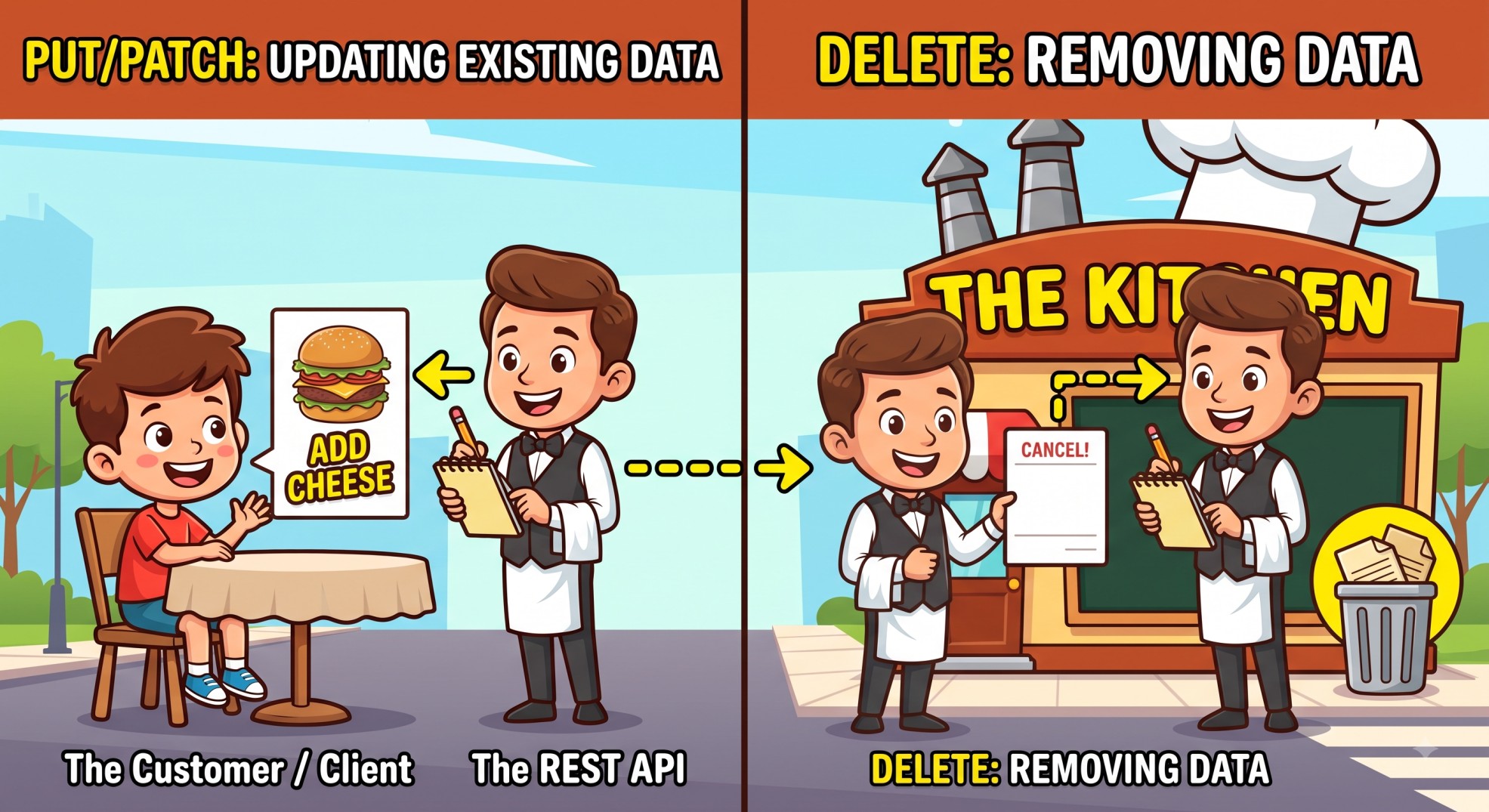
PUT / PATCH: "Can I change my order to add extra cheese?" (Update Data)
Real-life: You ask the waiter to update your existing order before it leaves the kitchen.
In tech: PUT /users/123 updates User #123's phone number or home address.
DELETE: "Cancel my drink, please!" (Remove Data)
Real-life: You tell the waiter to remove an item from your bill or table.
In tech: DELETE /posts/99 deletes a post from your profile.
2. Status Codes: The Waiter's Response
After the waiter takes your request to the kitchen, they come back with a response code:
- 200 OK: "Here is your food, fresh and hot!" (Success)
- 201 Created: "Your new order has been created in the kitchen!" (Successful creation)
- 400 Bad Request: "Sorry, you asked for an item using gibberish!" (Invalid client request)
- 401 Unauthorized: "Sorry, you need a VIP wristband (API key / token) to order from this section!"
- 404 Not Found: "We looked everywhere in the kitchen, but we don't have that dish on our menu!"
- 500 Internal Server Error: "Oh no! The kitchen's oven caught fire!" (Server crash)
3. Real-World Example: Booking a Seat on Bus / Flight Apps
Imagine using a travel app like Shohoz or Expedia:
- You open the app and tap Search Buses → the app sends
GET /buses(the API waiter asks the server for available buses). - You select Seat 4A and tap Book → the app sends
POST /bookingswith your seat choice. - You realize you picked the wrong time and change it → the app sends
PUT /bookings/101. - You decide to cancel your trip → the app sends
DELETE /bookings/101.
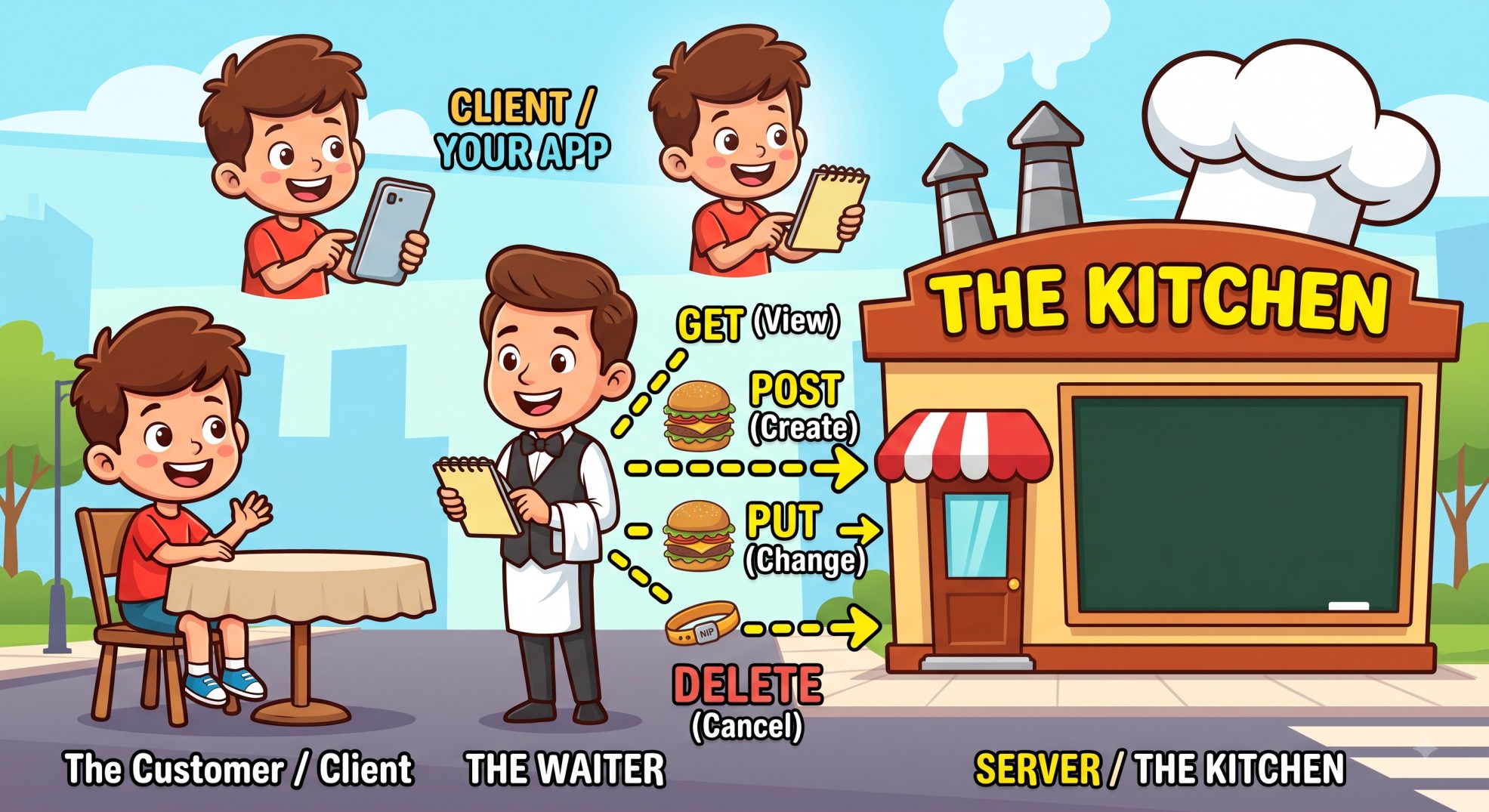
That's it: every tap in the app you use every day is really just a customer talking to a waiter, who talks to a kitchen, and comes back with a plate of data.